
CRM
Customer & sales operations
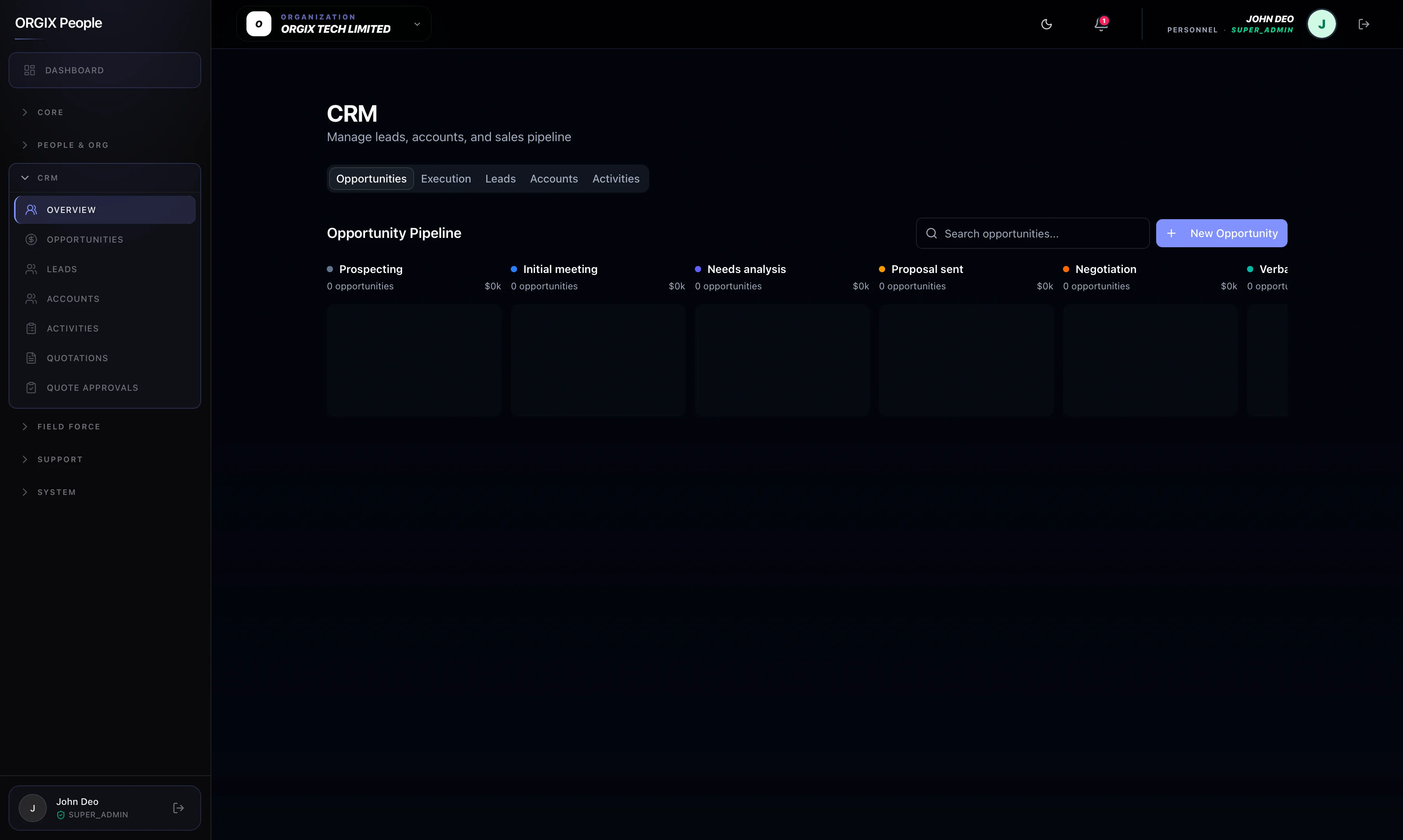
Leads through customers and opportunities with pipeline rules that keep reporting honest — stage transitions, probability, and closed-lost reasons that can't be skipped or edited after the fact.
For sales teams
Work leads, log activities, and move deals through stages on crm.orgixapp.com — same records managers use for forecast and coaching.
For sales leaders
Stage history and next-step discipline mean pipeline reports reflect reality — not last-minute stage edits.
From lead to deal
Capture, convert, and advance opportunities without losing the thread.
Lead capture & qualification
Leads live in one place — not notebooks and chat threads.
Capture and qualify before conversion so sales starts with a clean handoff, not scattered notes.
Lead → customer + opportunity
One action creates the commercial record.
When a lead is ready, convert to a linked customer and deal — no duplicate account creation.
Sales pipeline
Stages, probability, and closed-lost reasons that stick.
Move deals through defined stages. Forecasting rests on rules teams can’t bypass or rewrite after the fact.
Discipline that sticks
History, activities, and shared accounts with Field Force.
Stage history
Every move is logged — fewer “what happened?” meetings.
Pipeline transitions stay auditable so reporting stays consistent across managers and periods.
Activities & next steps
Stalled deals show up before the quarter ends.
Log activities and next steps with due dates before stage changes. Managers see what’s stuck early.
Tied to Field Force
Same accounts for inside sales and territory visits.
Field visits and conveyance claims attach to the same customers and leads — one commercial world.
Navigation and features are role-based and depend on modules enabled for your workspace. Not every user sees payroll, CRM, or admin surfaces. Commercial packaging and availability of modules may differ from what is shown in product communications. Confirm GA vs beta with your Orgix contact.
FAQ
CRM appears when the module is enabled for the company and the user has an appropriate sales role. Confirm packaging with your Orgix contact.
Ready for a pipeline you can trust?
See how leads, opportunities, and Field Force visits fit your sales motion — or explore people operations next.